LSbet app: install it on Android and iPhone from the browser
The LSbet app installs from your browser in four taps and needs no APK. Inside it you bet, deposit and claim the 100% first deposit bonus up to €120 (≈ Rs 44,400 at the 5 Oct 2026 rate; your account runs in EUR or USD).
Pick the bonus in the account menu before you pay in.
LSbet app: a web app you install from the browser
It is a web app. You add it from Chrome on Android or Safari on iPhone, and an LSbet icon appears on the home screen next to your other apps. Tap it, and the site opens in its own full-screen window, without the browser's address bar.
There is no file to download and nothing to approve in the phone's security settings. LSbet does not publish an APK, and neither Google Play nor the App Store carries it. The footer of the brand's site says "Download App: Available for Android and iOS", and both versions are this same web app.
The LSbet app download therefore takes seconds: the phone saves a shortcut with the brand's icon and a few site files. Updates arrive on their own each time you open it, so you never install a new version by hand.
Any Android phone with an up-to-date Chrome can add the icon. Samsung Internet and other browsers work too, with the menu item named slightly differently.
Open LSbet in Chrome
Use the button on this page so you land on the brand's site.
Tap Install App
LSbet shows an "Install App" bar. If it does not appear, open the Chrome menu (⋮) and pick "Install app" or "Add to Home screen".
Confirm with Install
Chrome asks once. The LSbet icon lands on the home screen and in the app drawer.
Allow notifications if you want them
LSbet asks to send notifications. Say yes if you want them, or no for a quiet phone.
The whole LSbet app download on Android ends there. Open the icon and sign in with your email and password; our login page covers resets if the password does not work.
LSbet on iPhone: Add to Home Screen
The LSbet iPhone version is the same web app, and its icon comes from Safari. Other iPhone browsers can open the site, but the steps below use Safari's own menu.
Open LSbet in Safari
Tap the button on this page and choose Safari if the phone asks.
Tap Share
The square with an arrow pointing up, in Safari's toolbar.
Choose Add to Home Screen
Scroll the list if you do not see it straight away.
Tap Add
LSbet now sits among your apps. Allow notifications when LSbet asks, if you want them.
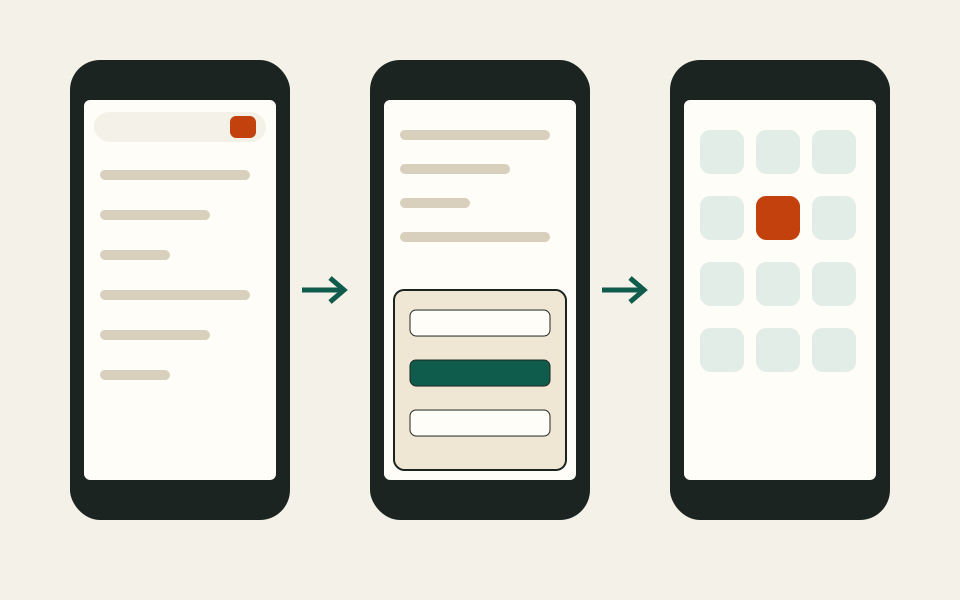
From the browser menu to the home screen in three screens.
The LSbet iPhone icon then behaves like any app: it opens full screen and keeps you signed in until you log out.
LSbet app vs mobile site
The web app and the mobile site show the same sportsbook, casino and cashier. The difference is how you reach them and how the window looks.
Three ways to open LSbet
Device
How you add it
What you get
Android
Chrome: Install App bar or menu (⋮)
An icon next to your other apps, full-screen window, optional notifications
iPhone
Safari: Share, then Add to Home Screen
An icon next to your other apps, full-screen window, optional notifications
Mobile browser only
Nothing to add; type the address or use our button
Same site inside the browser, with the address bar
Desktop
Any modern browser
The full site in a large window, no install needed
If you place a bet now and then, the LSbet mobile site in the browser is enough. If you follow live cricket and want one tap to the slip, the home-screen icon saves time.
Keep Chrome or Safari up to date. The web app runs on the browser underneath, so an old browser version can hide the install option. To remove the icon, press and hold it and choose Remove or Uninstall, as with any other app. Your account, balance and bet history stay with LSbet, so nothing is lost when the icon goes.
What works inside the web app
The icon window runs the full site, the same as on a laptop:
Pre-match and live betting on 39 sports, cricket included.
Bet Builder where a match offers it.
The casino lobby and live dealer tables.
Deposits, withdrawals and the document upload for verification.
The bonus menu, where you pick the 100% first deposit bonus up to €120 (≈ Rs 44,400).
Live chat with support.
New players can sign up inside the app as well; the form is the same as on the registration page. The bonus choice, the €20 minimum deposit and the odds rules do not change on LSbet mobile.
LSbet apk files from other sites
Search results for LSbet apk show pages that offer a file to download, with download counts and Android version numbers. LSbet does not distribute any APK, so those files do not come from the brand. An APK from an unknown source can read your messages and capture the passwords you type.
Skip any LSbet apk file: the real app installs from the browser.
The safe path is short: open LSbet with the button on this page, then add the icon from Chrome or Safari. If a site asks you to allow "install from unknown sources" for LSbet, close it. For the brand overview, bonus terms and payment routes, see the LSbet Sri Lanka guide.
Questions about the app
Is there an LSbet APK?
No. LSbet does not publish an APK. The app is a web app that you add from Chrome or Safari.
Is LSbet listed in Google Play or the App Store?
No. Neither store lists it. Install it from the browser with the steps on this page.
Is the app free?
Yes. Adding the icon costs nothing; you only pay for your mobile data.
Does the app fill up my phone storage?
No. The icon saves a shortcut and a few site files, far less than a store app.
Does the welcome bonus work inside the app?
Yes. The bonus menu works as on the full site: 100% first deposit bonus up to €120 (≈ Rs 44,400), chosen before a deposit of at least €20.
Will I get notifications?
Only if you allow them. LSbet asks after you add the icon, and you can switch them off in the phone settings.